Open-box laptops · 6 min read
Are open-box laptops worth it?
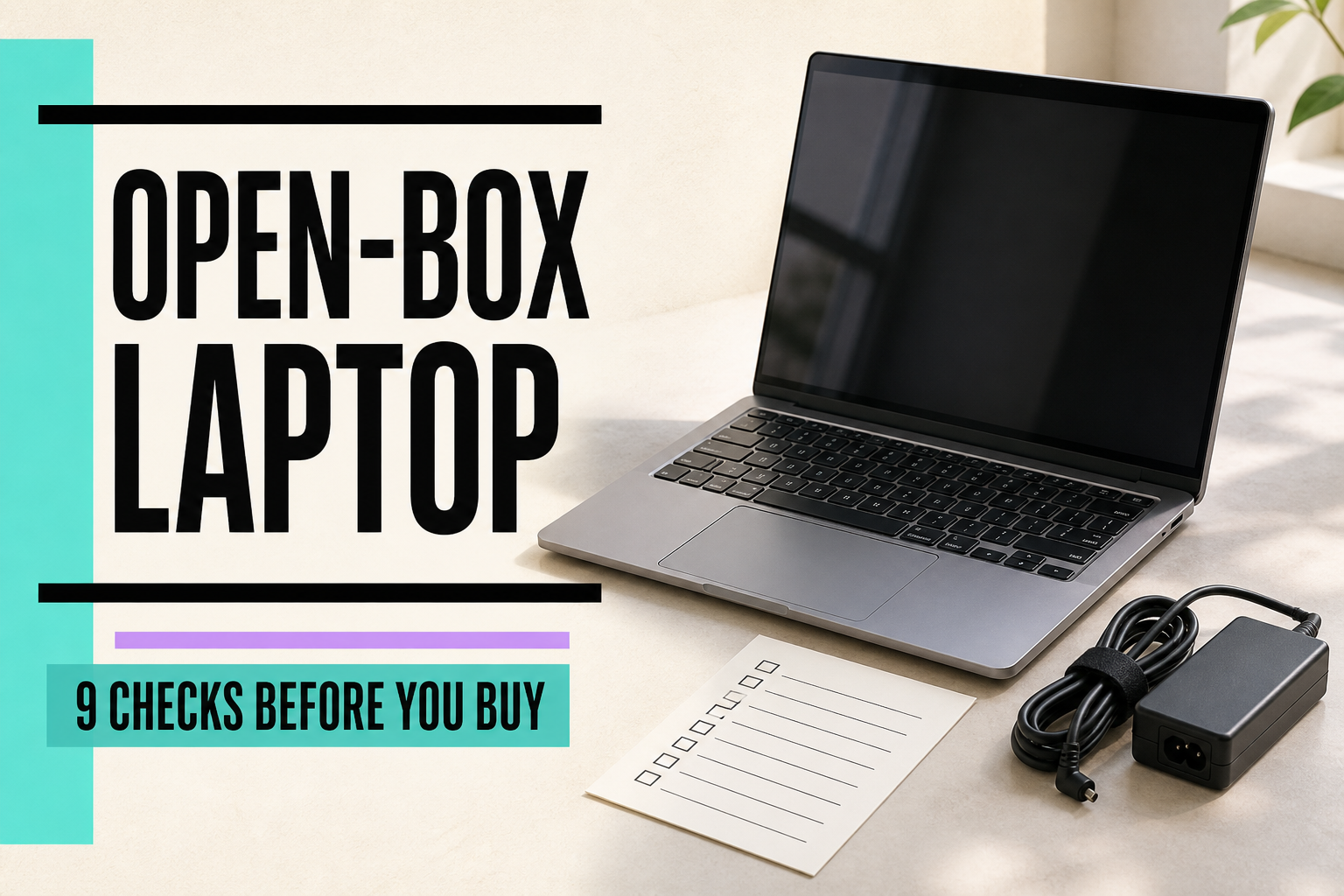
Bottom line
They can be—when the exact laptop is clear, the battery and parts are accounted for, the return path is usable, and the savings still hold after the unknowns.
Updated September 19, 2026 · PriceGleam
When open box can be a smart buy
An open-box laptop makes sense when you can identify the exact machine, inspect it during a real return window, and keep enough savings to cover the extra risk. A low price alone is not enough.
Nine checks before you buy
Exact model and SKU
Match the CPU generation, RAM, storage, screen size, display, GPU, model year, and full SKU. Similar names can hide a very different laptop.
Battery condition
Look for a stated battery-health result or cycle count when available. If neither is provided, treat battery condition as unknown—not tested.
Charger and accessories
Confirm the correct power adapter is included. Add any missing charger, dock, stylus, or recovery media to the effective cost.
Physical condition
Read the written grade and inspect every photo for dents, loose hinges, bent corners, worn keys, scratches, or damaged screw heads.
Screen, keyboard, and ports
Check for dead pixels, pressure marks, keyboard wear, trackpad problems, webcam issues, and damaged charging or display ports.
Return protection
Confirm the deadline, return-shipping responsibility, restocking fees, and whether opening or testing the laptop changes your right to return it.
Warranty coverage
Separate the manufacturer warranty from a retailer or third-party warranty. Check who handles a claim, what is covered, and for how long.
Seller quality
Prefer a seller with relevant recent feedback, clear condition notes, usable photos, and a practical way to resolve a bad item.
The real price gap
Compare the delivered total with the same new model and well-protected refurbished options. A vague listing needs more savings to justify more uncertainty.
The two-minute inspection list
Model number matches the listing
RAM, storage, display, and GPU match
Battery status is stated—or treated as unknown
Correct charger is included
Screen, keys, hinge, trackpad, and ports are checked
Return deadline and costs are clear
Warranty provider and length are clear
Delivered price beats a safer alternative by enough
Battery health is a real unknown
Open-box does not automatically mean a fresh battery. A return or display unit may have been charged, stored, or used for an unknown amount of time. Look for battery-health evidence in the listing; if it is absent, ask the seller or plan to test it as soon as the laptop arrives.
A battery percentage claim, cycle count, or diagnostic screenshot is useful only when it clearly belongs to the exact laptop. PriceGleam does not physically inspect listings, and we do not treat missing evidence as a passing result.
Do the accessory math
A missing charger can turn a bargain into a chore. Confirm the power rating and connector—not just that “a charger” is included. The same goes for docks, styluses, proprietary adapters, and recovery media.
Use the actual replacement cost you can verify. We do not assume a universal charger price.
Returns and warranties are different
- Return protection lets you send the laptop back under stated terms.
- Manufacturer warranty comes from the laptop maker and may depend on serial number or original purchase status.
- Retailer warranty is handled by the store under its own terms.
- Third-party warranty is a separate service contract with its own claims process and exclusions.
One does not substitute for another. An open-box label does not tell you which protection applies.
When I would walk away
- The title and model number disagree.
- The seller cannot confirm the charger or a key spec.
- Photos hide the screen, hinge, keyboard, ports, or actual unit.
- The battery is important to you, but its condition is unknown and returns are weak.
- The delivered total is close to a new or well-protected refurbished option.
How much cheaper is enough?
There is no honest universal percentage. Start with a trustworthy current price for the exact new model, then compare protected refurbished options. Increase the discount you require as condition uncertainty, battery risk, missing parts, weaker warranty, or return friction increases.
DATED LISTING EXAMPLES
Compare the evidence in refurbished listings
These are not open-box listings. Each example shows its own evidence date and current or historical status. Older prices and protection terms are case-study details, not a current buying alternative; confirm them again before comparing an offer.

HISTORICAL REFURBISHED EXAMPLE
Acer Aspire 14 AI Laptop 16GB / 1TB
Last checked price
$438.51
Historical snapshot — price, stock and any promotion need rechecking.
Confirm the item condition before buying.
See our listing checks →
HISTORICAL REFURBISHED EXAMPLE
Apple M1 MacBook Air 16GB / 256GB
Last checked price
$505.64
Historical snapshot — price, stock and any promotion need rechecking.
See our listing checks →Need the condition labels first?
Read what open-box, refurbished, and used actually tell you. With a firm $500 budget, compare refurbished laptop tradeoffs and save the requirements that matter to you.